Recorded in product
Edit onlineChange pitch, duration, and measure content.Open the full tool
Scan sheet music online
Use our sheet music scanner to turn a PDF or photo into editable notes. Fix scanning mistakes, transpose to any key, and play your score. Export MusicXML, MIDI, PDF or Jianpu. One full project free, nothing to install.
ScoreTransposer by the numbers
Transpose. Refine. Hear it come alive.
Upload a PDF or score image to scan, edit and transpose.
Checking sign-in status...
Product demos
See how to work with your sheet music after scanning. Play each demonstration here, then open the tool you need.
Three-step workflow
Choose a clear scan or phone photo of printed sheet music, with complete staff lines and notes.
The sheet music scanner recognizes pitches and rhythms and creates an editable score.
Compare with the original, fix notes and rhythms, then transpose, play or download your score.
Start with the sheet music scanner for PDFs and photos, save your scan with PDF to MusicXML, fix notes in the sheet music maker and editor, then transpose sheet music or convert sheet music to MIDI.
Real workflow examples
These examples use current product captures and self-authored test scores rather than abstract feature art.
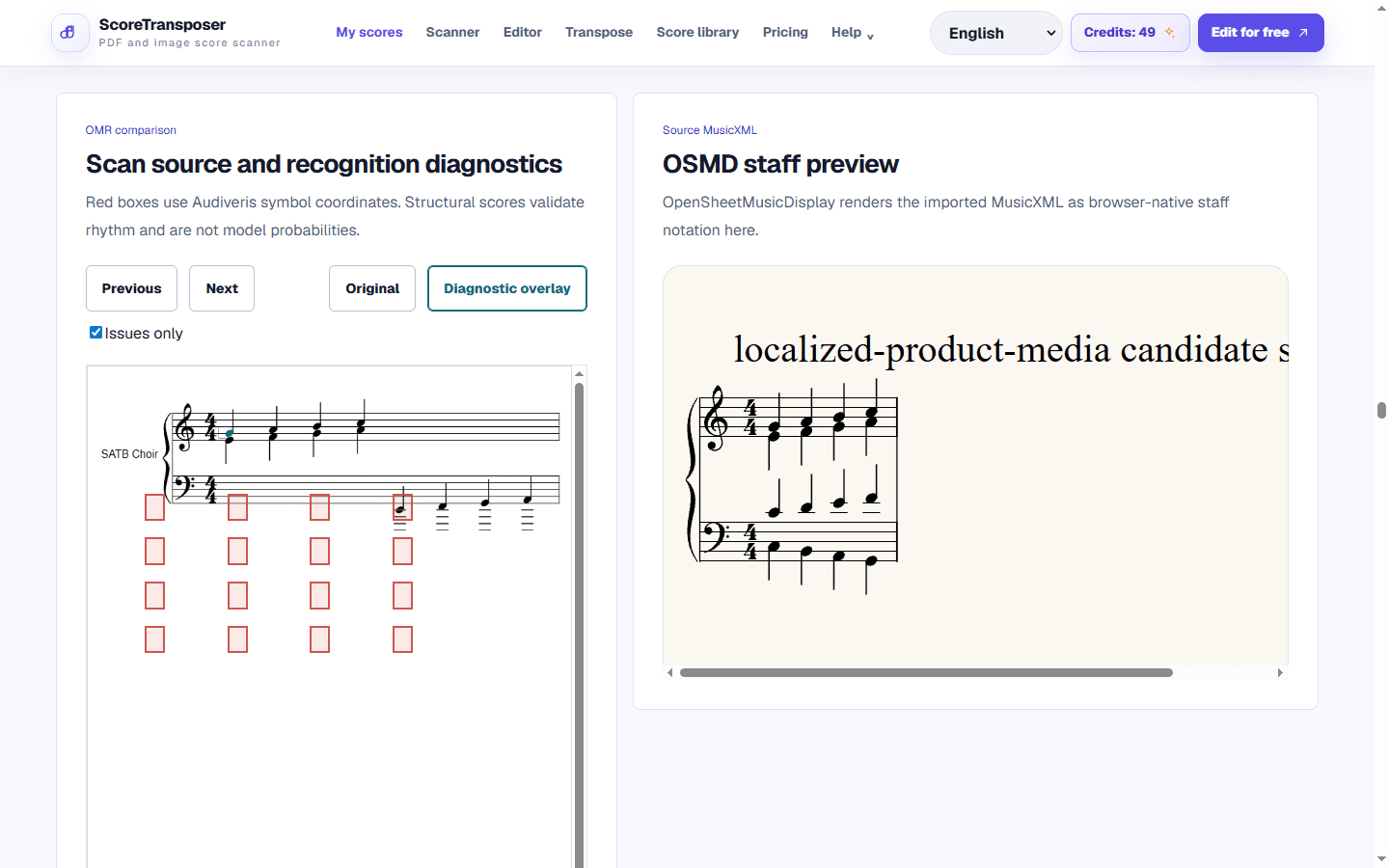
Compare the scan with the recognized notes, correct mistakes and prepare numbered notation.
Explore the feature →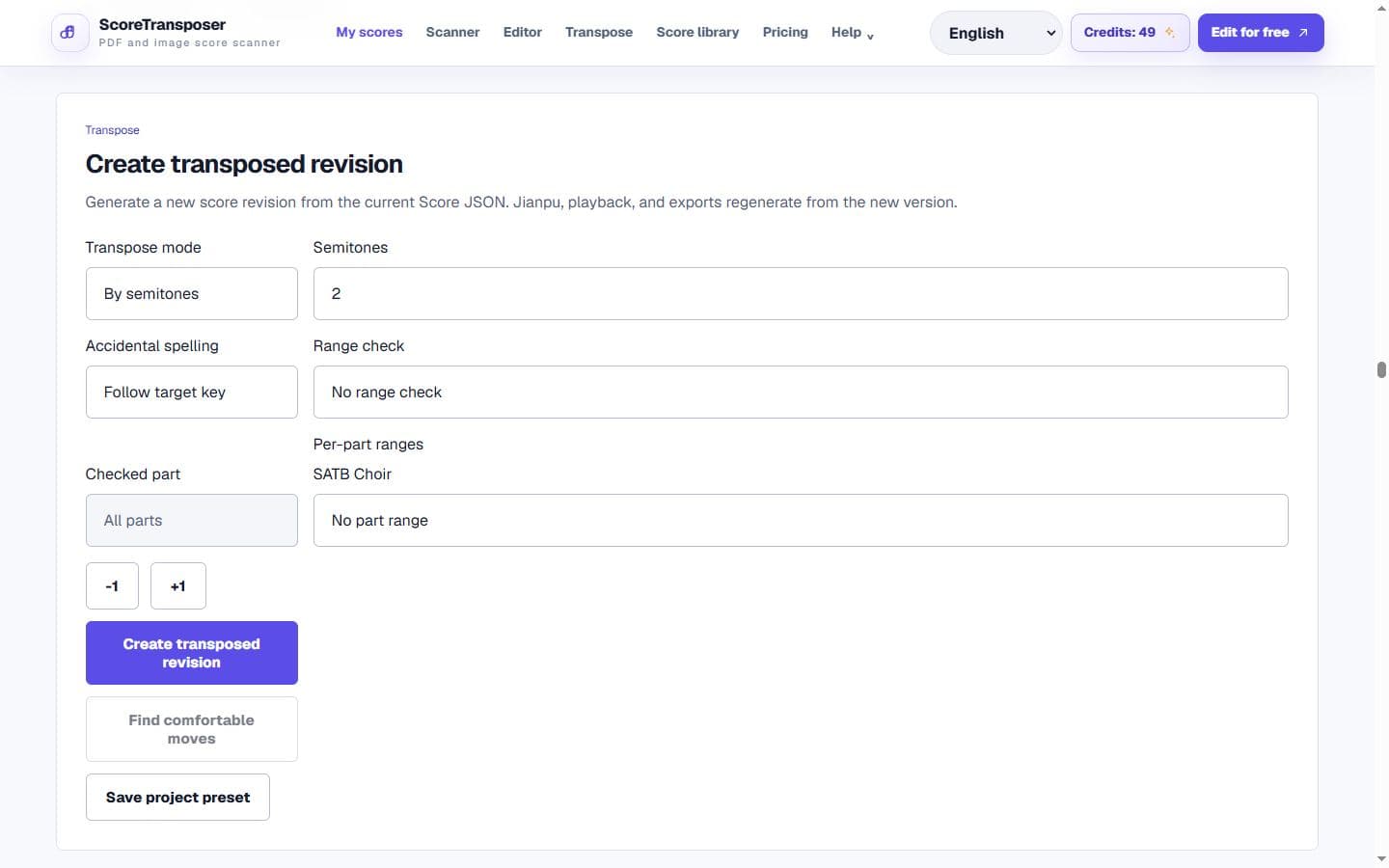
Keep the original score and save a version in the key your ensemble needs.
Explore the feature →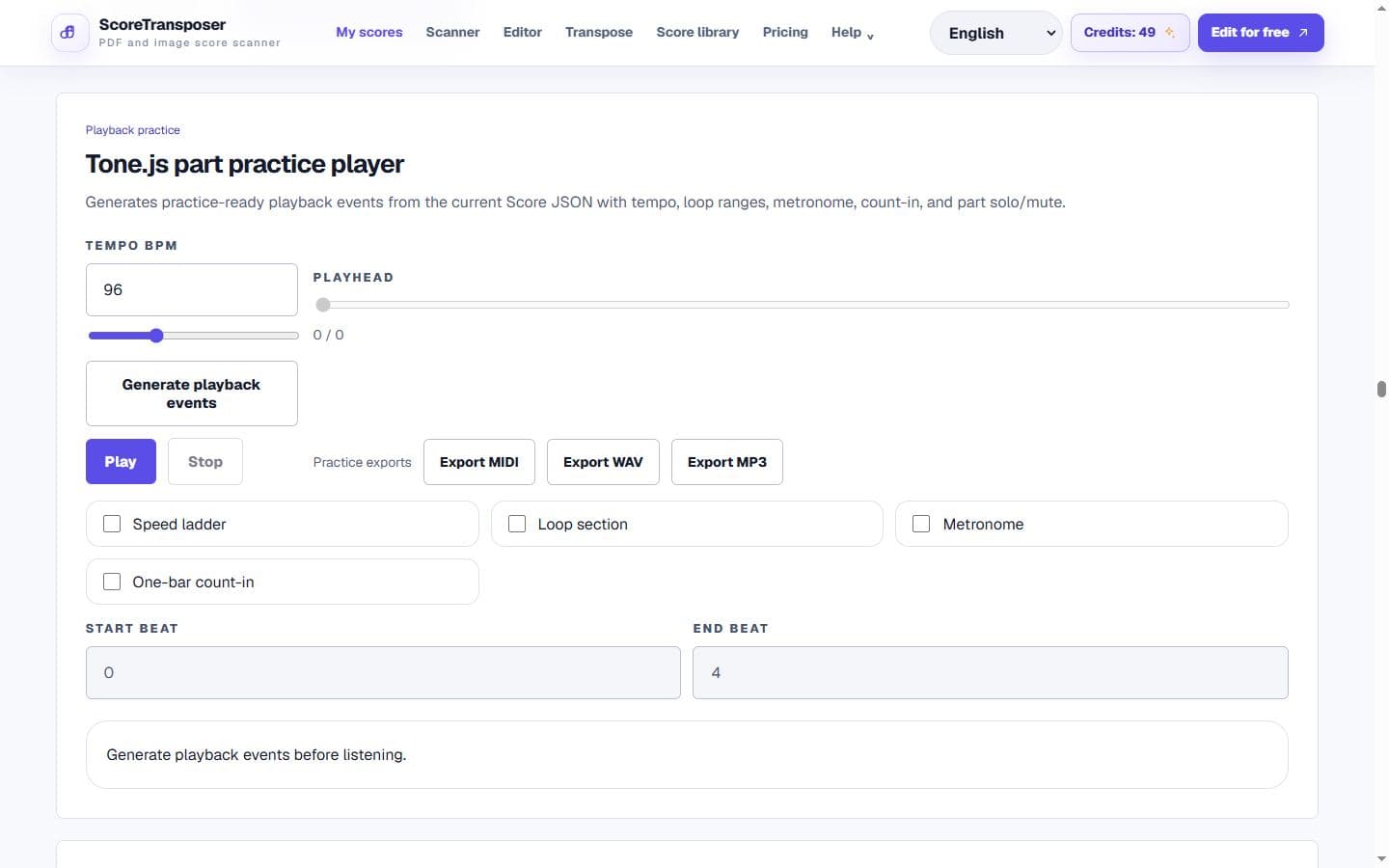
Control tempo, loops, and parts, then create MIDI or practice audio.
Explore the feature →How it works and what it does
Correct the recognized notes once, then edit, transpose, listen or create numbered notation from the same score. Each tool below includes a real score example.
 Real score · Mozart K. 265 variations
 Real score · Pachelbel Canon in D
 Real score · Chopin Nocturne Op. 9 No. 2
 Real score · Bach Prelude BWV 846
 Real score · Beethoven Appassionata Op. 57
Before you scan
Weak scans, dense engraving, and polyphony commonly require correction.
Change notes, duration, key, lyrics and measures in the editor.
Projects remain separate from public examples and evidence.
MusicXML, MIDI, Jianpu text, and Score JSON reduce lock-in.
Credit pricing
Each eligible server job uses one credit when it is created, even if it later fails. Credits reset at the start of each UTC calendar month and do not roll over.
Buy one month or one year with no automatic renewal.
Credit rules
Each eligible server job uses one credit when it is created, even if it later fails. Credits reset at the start of each UTC calendar month and do not roll over.
Use one complete multi-page PDF or score image with all current project-level tools for life, with 25 credits monthly.
Eligible OMR, asynchronous rendering and persistent export jobs use a credit when created, including jobs that later fail. Synchronous transposition and Jianpu previews do not automatically use a credit.
Starter includes 50 credits per month and Converter Pro includes 200. Allowances reset at the start of each UTC calendar month; unused credits do not roll over.
Free, Starter and Converter Pro include the same currently available project tools. Paid plans add processing and storage capacity. Review the purchase type, price, currency and any taxes before confirming payment.
FAQ
Yes. A free account includes one complete score project and 25 monthly credits. Scan a complete PDF or score image, then keep using the current editing, transposition, playback and export tools on that score.
Yes. After checking the scanned notes, choose a new key or generate numbered notation. You can keep the original and save your changes.
Download MusicXML, MIDI or Jianpu text, or use the available PDF, image and audio exports. A project backup preserves your editable score.
Audio and video import is not currently open to the public. Playback of structured scores and the available audio exports remain available.
No. Private projects do not automatically become public examples.